How to Use the SEOUL4PM Customer Service Chat
Published: 2026.11.12
Last updated: 2026.11.12
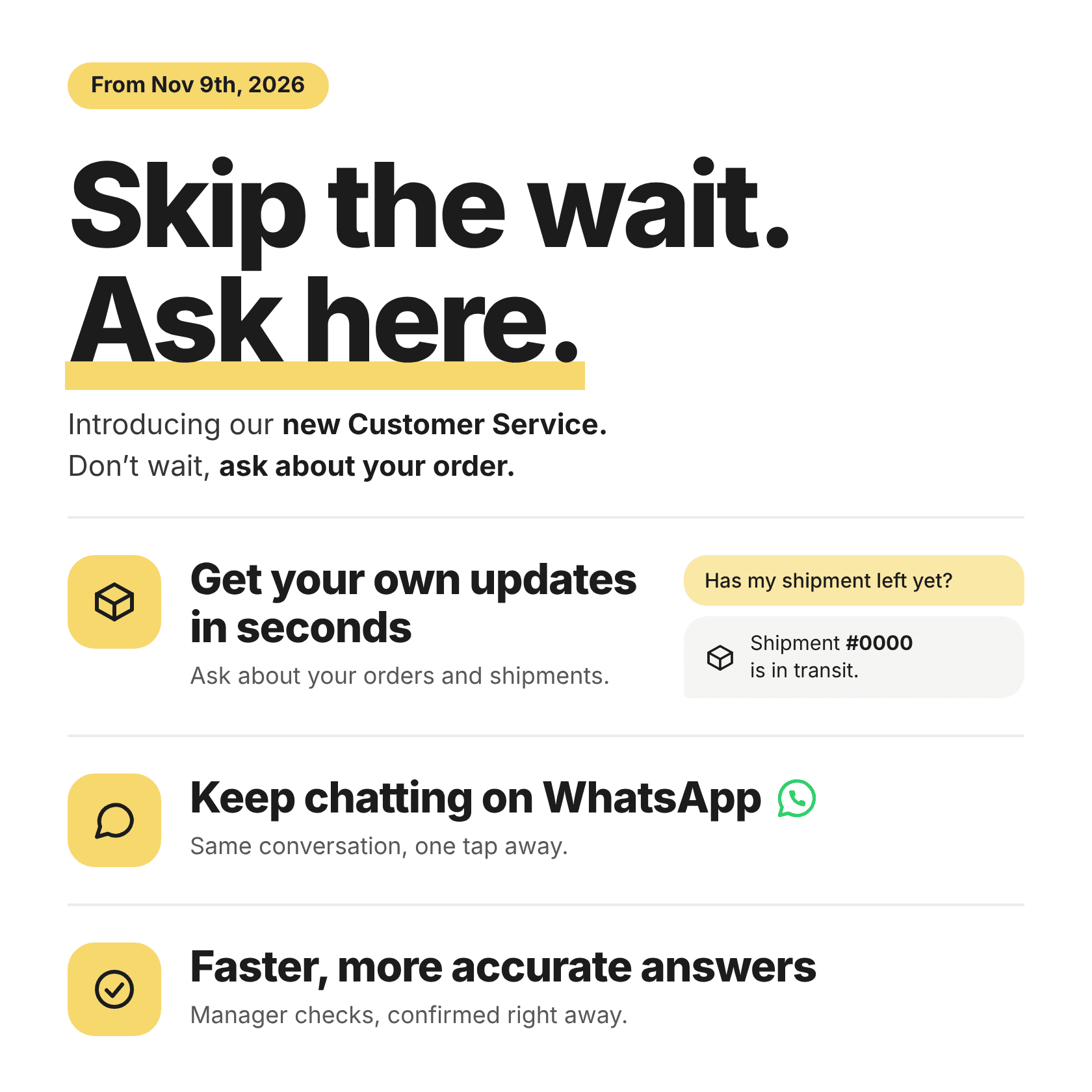
The new SEOUL4PM Customer Service chat is an AI assistant that answers your everyday questions right away, such as where your order stands or how ordering works. When something needs your manager’s attention, the assistant hands the conversation over, so you never have to start again.
1. How to get started
Open the chat from the SEOUL4PM home screen, or tap the Live chat link in the contact section at the bottom of our emails.
Type your question in plain language.
If you have several orders in progress, include the order number so the assistant knows which one you mean.

When you have several orders, the assistant asks which one you mean.
2. What you can ask
Check your order status
Ask where an order stands and the assistant shows its current status right in the chat. There’s no need to wait for an email reply.

Ask about an order and get its current status right away.
Get quick answers about how SEOUL4PM works
Ask about things like:
Signing up and account approval
How ordering works and what to expect along the way
Lead times and minimum order quantities (MOQ)
Payment methods and shipping
The assistant answers exactly what you asked, in a short and clear reply.

Ask about one thing and get one clear answer.
Get connected to your manager when you need one
Some requests need a person. When that happens, the assistant passes your request and order details to your manager. Your manager replies in the same conversation, and you don’t need to explain everything again. If you prefer, you can continue on WhatsApp.

Requests that need a person are passed on with your order details.
3. Why you’ll like it
Answers in seconds. Order status and everyday questions are answered right away, so you don’t have to wait for a reply.
Short and to the point. Ask about lead time and you get lead time, without a long list of extra details.
No starting over. When your manager steps in, the conversation continues in the same place.
Your choice of channel. Stay in the chat, or continue on WhatsApp.
4. Tips for better answers
If you have many orders, include the order number. For example: “Where is order #12345?”
Ask one thing at a time. If you have several questions, send them one by one for the most accurate answers.
Use the exact product name. Brand name plus product name works best.
Add a little detail. “Order #12345 is past its expected date. Where is it now?” helps more than “My order is late.”
5. When your manager helps you directly
These requests are handled by your manager, so just tell the assistant and it will pass them on:
Claims, refunds, and compensation
Payment arrangements
Meeting requests with your manager
6. Hours and how to reach us
Our team replies Monday to Friday, 10am to 6pm KST. You can reach us in any of these ways:
Live chat: chat.kaicx.kr/maycoders
WhatsApp: +82 10-6803-3279
Email: service@seoul4pm.shop

Ask the assistant how to reach us and it lists every option.
7. FAQ
What happens if the assistant can’t answer my question?
It passes your question to your manager, who replies in the same conversation during our operating hours.
Do I need to include an order number every time?
Only if you have several orders in progress. The order number tells the assistant which one you mean.
Can I continue the conversation on WhatsApp?
Yes. You can reach us on WhatsApp at +82 10-6803-3279.